Best SaaS Onboarding Software Roundup
A roundup of the best SaaS onboarding software tools - covering product tours, in-app guidance, user activation, and customer education platforms.
User onboarding is one of the highest-leverage areas in SaaS growth. The difference between a user who activates within the first week and one who churns after a trial often comes down to how well the product guides them to the first value moment.
These are the tools that help SaaS teams build better onboarding experiences.
What SaaS Onboarding Software Does
Onboarding software adds a layer on top of your product to guide new users - without requiring engineering changes for every update. Common features include:
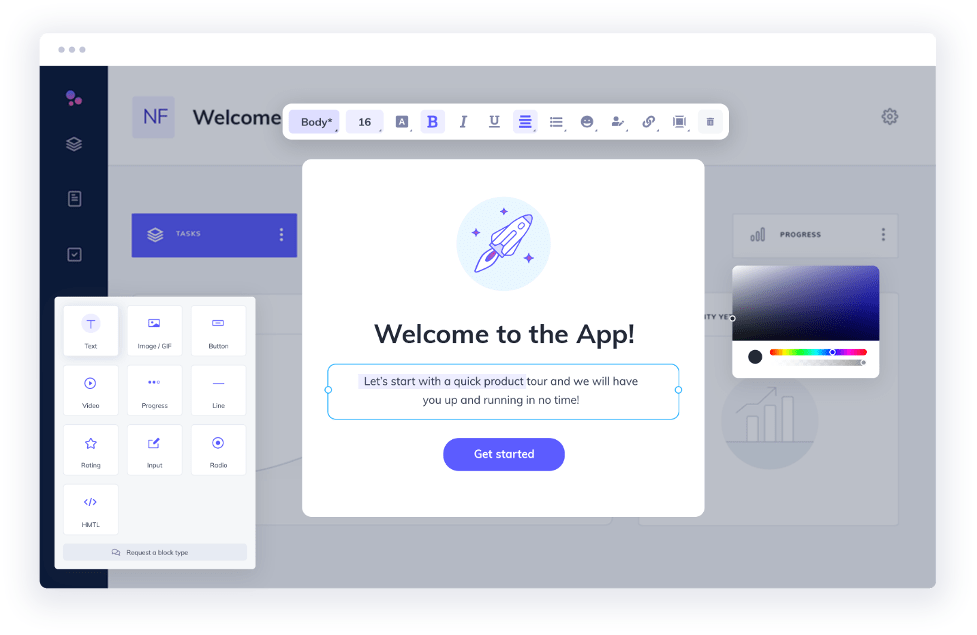
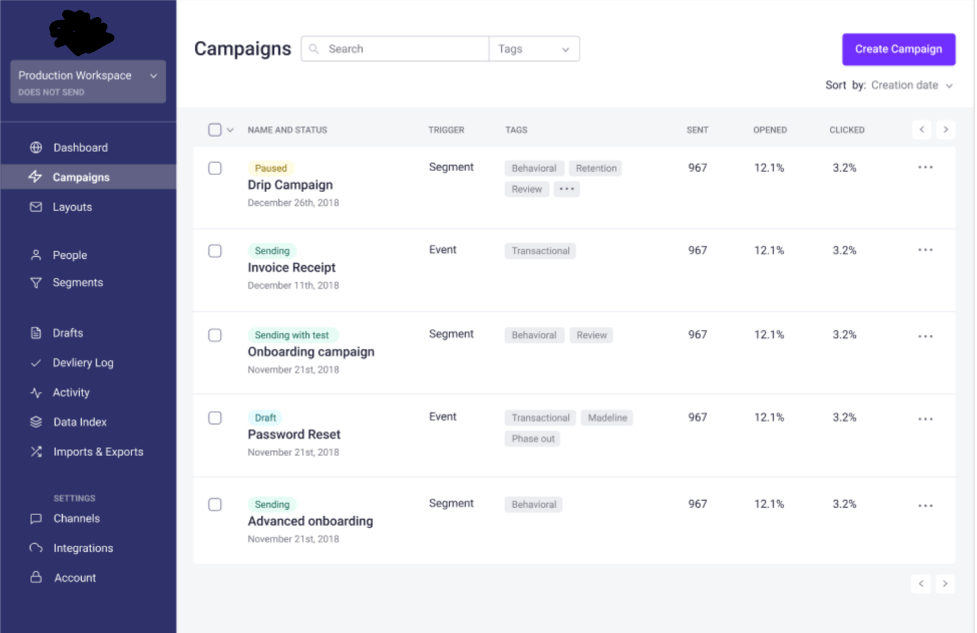
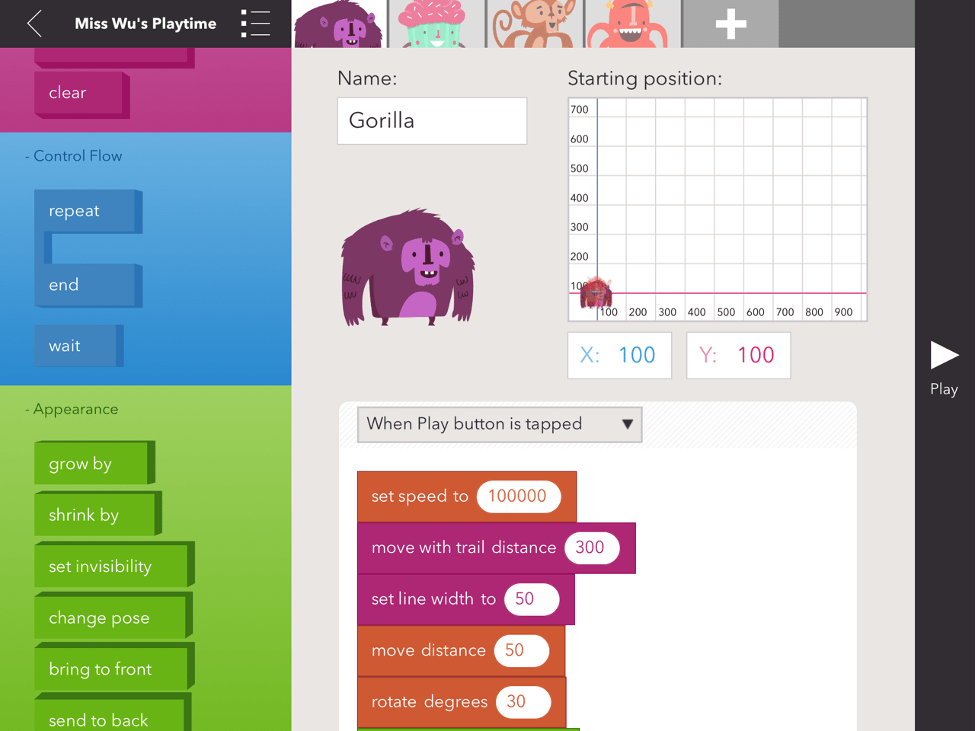
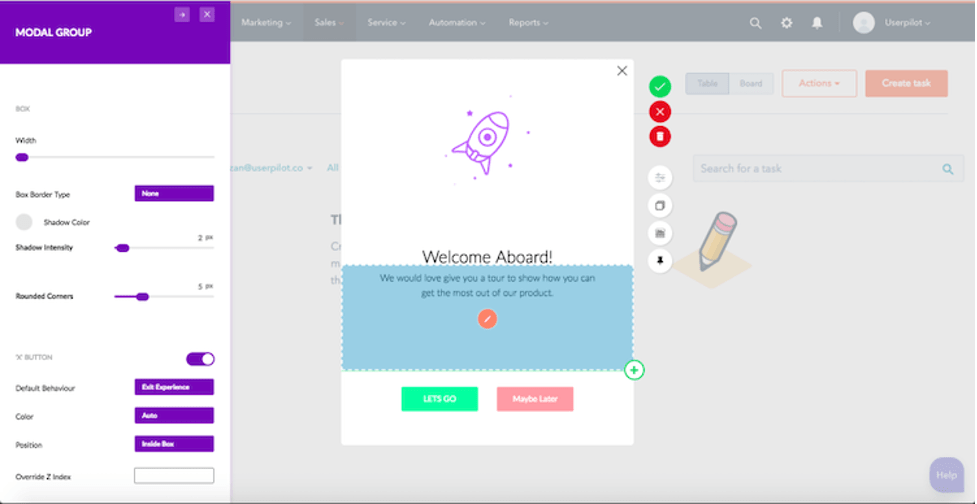
- Product tours - step-by-step walkthroughs that introduce key features
- Checklists - user-facing task lists that drive completion of key actions
- Tooltips and hotspots - contextual guidance triggered by user behavior
- In-app announcements - feature releases and updates shown to the right user segments
- User segmentation - different flows for different user types (role, plan, company size)
Top SaaS Onboarding Tools
Userpilot
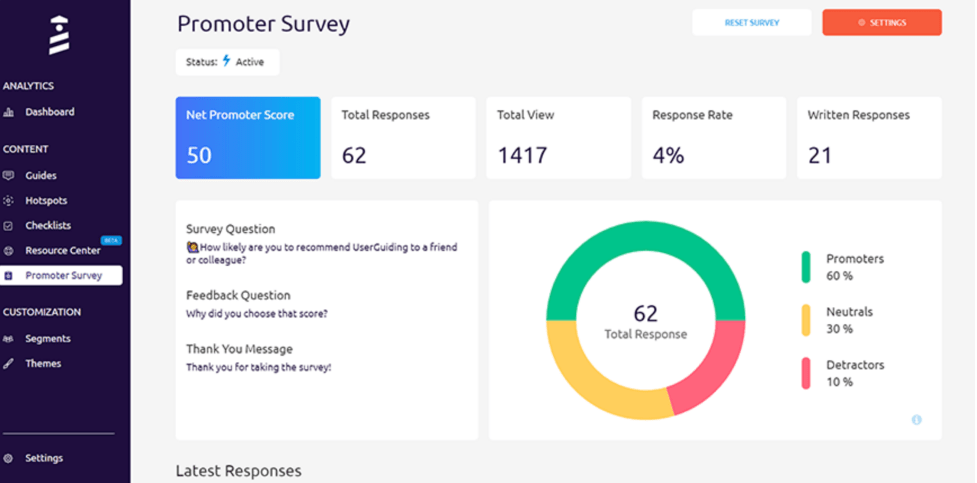
Userpilot is one of the more comprehensive platforms in the category. It covers product tours, checklists, tooltips, and NPS surveys in a single tool. The segmentation capabilities let you show different onboarding flows based on user attributes or behavior.
Pricing is mid-to-high for SaaS standards but justified for teams with complex user segmentation needs.
Hopscotch
Hopscotch focuses on simplicity. It is easy to set up and works well for smaller teams that need basic product tours without heavy customization. Lower price point than the enterprise-focused tools.
Good choice for early-stage SaaS companies building their first onboarding experience.
Customer.io
Customer.io is primarily an email and messaging automation platform, but it has strong onboarding use cases through its behavioral triggering. Teams use it to send onboarding email sequences triggered by in-product actions (or inaction). Pairs well with an in-app tool for a multi-channel onboarding approach.
Appcues
Appcues is an established player with a strong design layer. It is particularly well-suited for teams that want onboarding flows to look polished and on-brand without heavy CSS work. Supports tours, checklists, modals, and banners.
Pricing can be high for smaller teams but the quality of the builder justifies it for companies that prioritize onboarding UX.
Pendo
Pendo combines onboarding tooling with product analytics, which makes it valuable for teams that want to understand how users are engaging with both the product and the onboarding flows simultaneously. Strong for enterprise SaaS with complex feature sets and multiple user personas.
Enterprise pricing - typically too expensive for early-stage companies.
Intercom
Intercom is a customer communications platform that includes onboarding tooling through its Product Tours feature. For teams already using Intercom for support and messaging, adding Product Tours keeps the onboarding layer in the same tool. Less specialized than dedicated onboarding platforms but eliminates another vendor.
WalkMe
WalkMe is the enterprise-tier option. It is the most powerful and the most expensive, with deep analytics, advanced segmentation, and enterprise security features. Best suited for complex B2B products with large enterprise customers who need guided onboarding at scale.
Choosing the Right Tool
The right onboarding tool depends on:
- Stage of company - early-stage teams often start with Hopscotch or Intercom before investing in dedicated platforms
- Product complexity - simpler products need simpler onboarding; complex products benefit from richer guidance
- Engineering resources - low-code tools like Appcues and Userpilot minimize engineering dependency
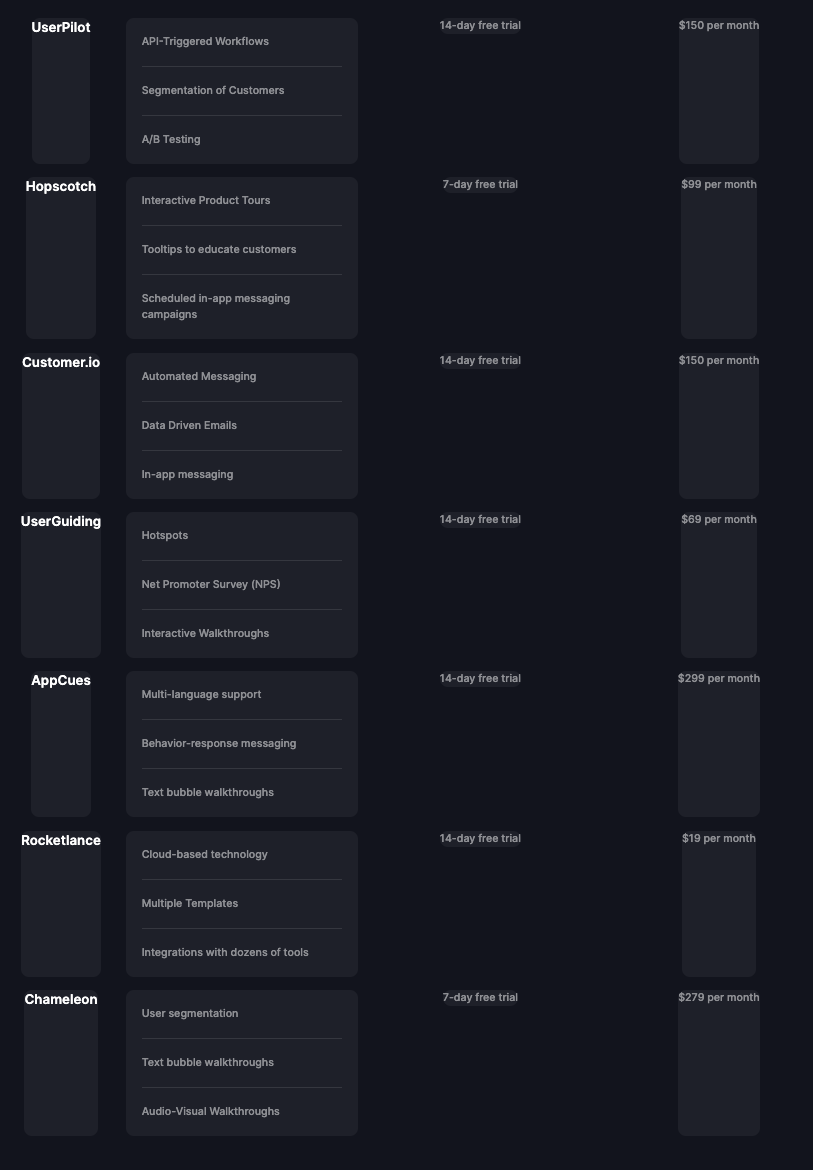
- Budget - pricing ranges from low (Hopscotch) to high (Pendo, WalkMe)
Before purchasing any tool, map out the onboarding flow you want to build. The tool should fit the flow, not the other way around.
Onboarding Best Practices
Regardless of which tool you choose:
- Define the “aha moment” - the action that correlates with long-term retention - and optimize onboarding to drive users there
- Keep initial flows short - users abandon lengthy tours. Three to five steps maximum before letting them explore
- Use behavior-based triggers, not time-based ones - trigger guidance when users encounter specific features, not on a fixed schedule
- Test and iterate - onboarding is not a one-time build. Review completion rates and drop-off points regularly