How to Create a Company Blacklist in Apollo.io
Step-by-step instructions for creating and maintaining a company and contact blacklist in Apollo.io to prevent outreach to current customers, competitors, partners, and non-fit accounts.
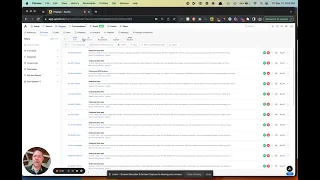
What is a Company Blacklist?
A Company (or account, or domain) blacklist are simply accounts that you do not want to reach out to in your outbound efforts.
There are several reasons you may want to create and maintain a Company blacklist in Apollo.io:
- Current customers
- Competitors
- Partners
- Companies that are not a fit for your SaaS or services for a variety of other reasons
Steps to Create an Account Blacklist in Apollo.io
- Upload a CSV list of domains and/or accounts into Apollo.io
- Name the list “Blacklist”
- Set the Stage for these Companies to “Do Not Prospect” - this is at the Account or Company level
This means that Apollo.io’s Sequence engine will automatically stop any automated emails from going out to contacts at these accounts.

Steps to Create a Contact Blacklist in Apollo.io
- Upload a CSV list of contacts into Apollo.io
- Name the list “Blacklist”
- Set the Stage for these contacts to “Do Not Contact” - this is at the Contact level
This can also be done at the individual contact level, manually.

This means that Apollo.io’s Sequence engine will automatically stop any automated emails from going out to these contacts.
Keeping Your Blacklist Updated
The blacklist is only as useful as it is current. Build a process to add new accounts and contacts to the blacklist when:
- A prospect converts to a customer
- A new competitive product launches
- A partner agreement is signed
- Your team identifies a category of accounts that consistently turn out to be a poor fit
A well-maintained blacklist protects your deliverability, keeps your team focused on real opportunities, and prevents awkward outreach to existing customers or strategic partners.